Guide
Create a developer account
Register on AppLink with your mobile number, verify it with an OTP and complete your Service Provider profile. It is free and takes a few minutes.
8 steps · Screenshots from the AppLink platform
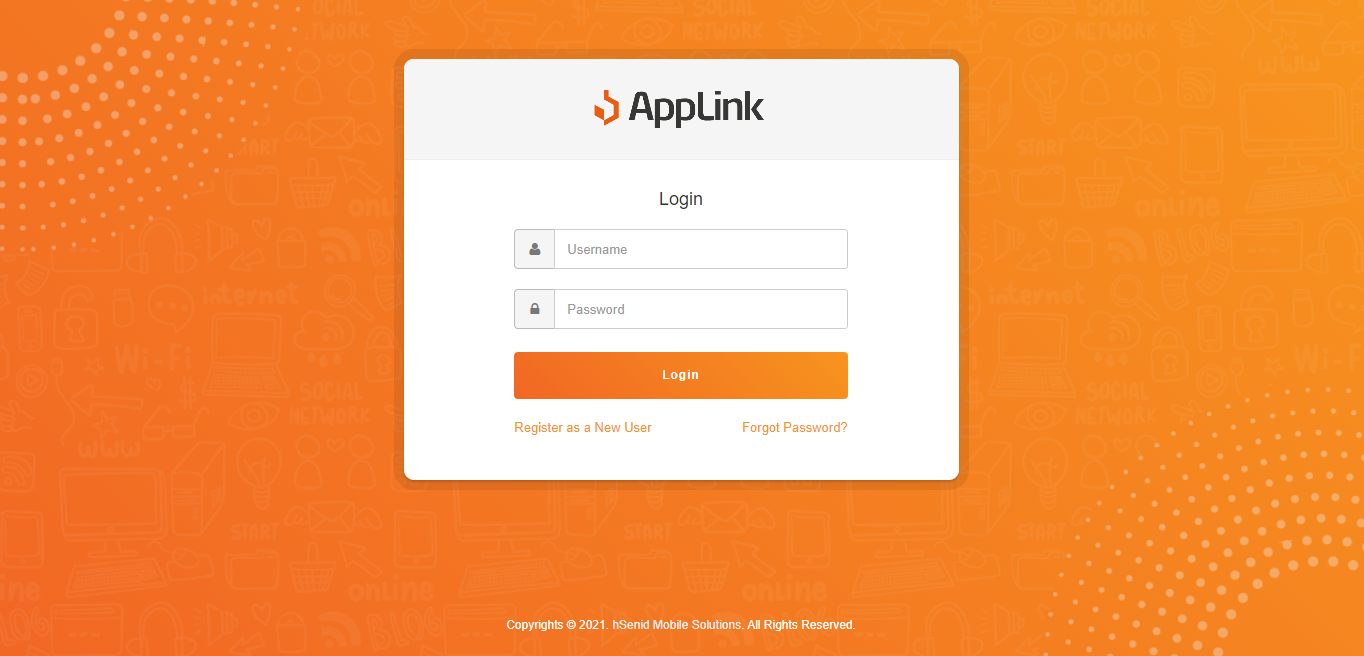
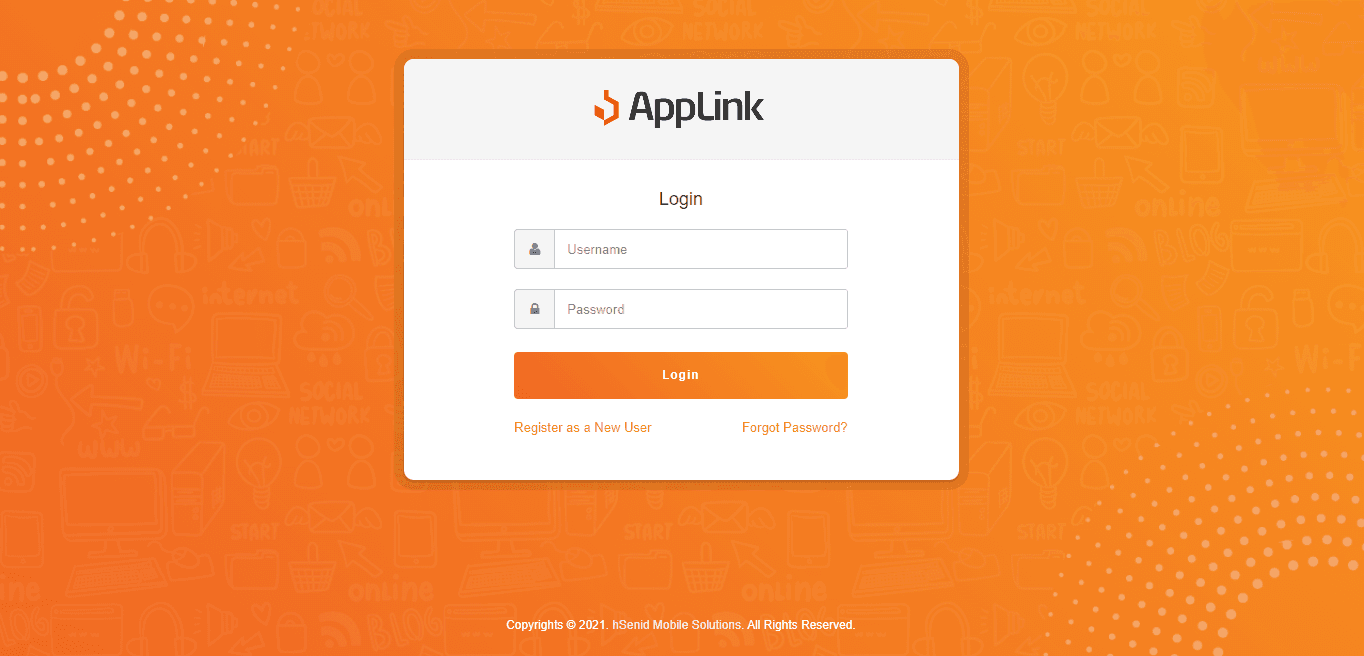
Step 1: Go to the AppLink login page at user.applink.com.bd.
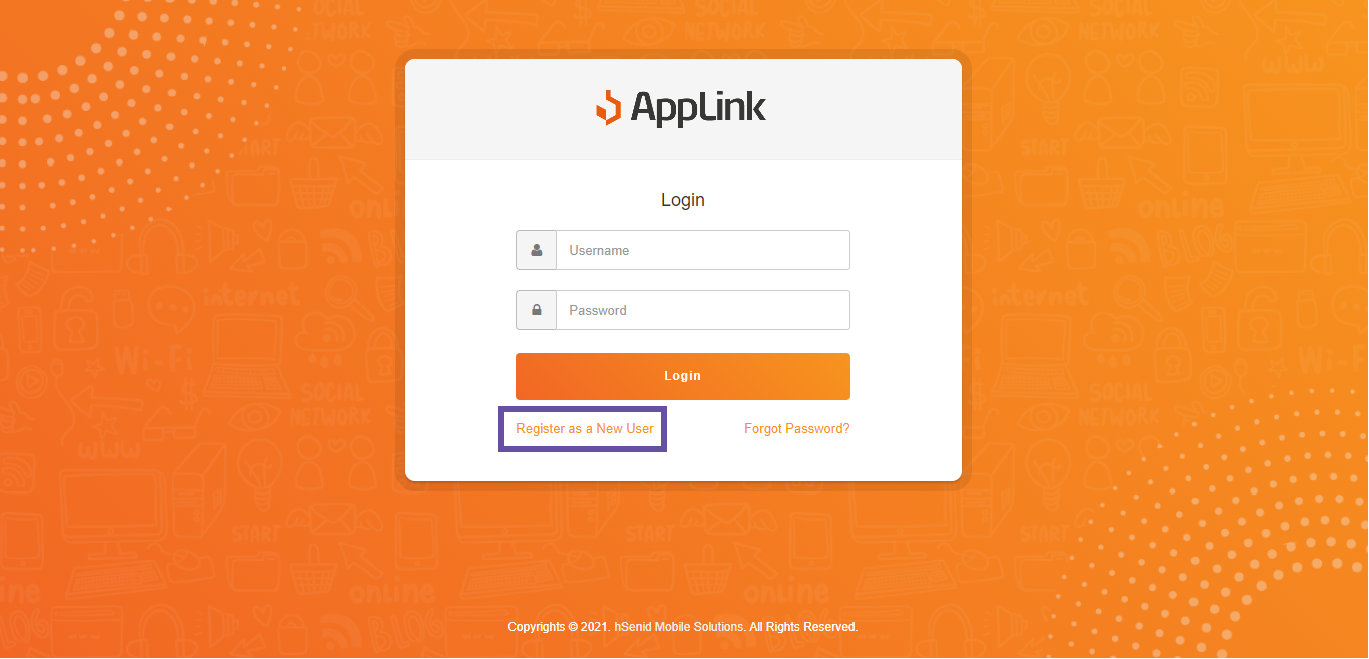
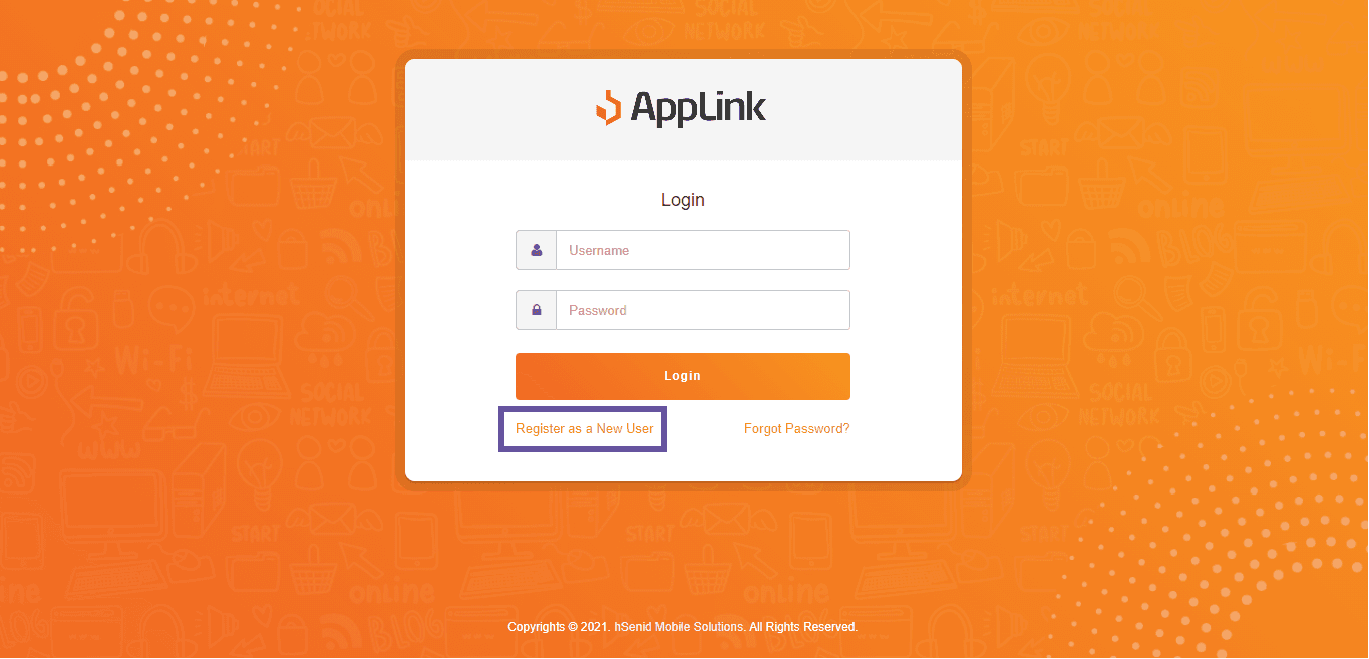
Step 2: Click Register as a New User.
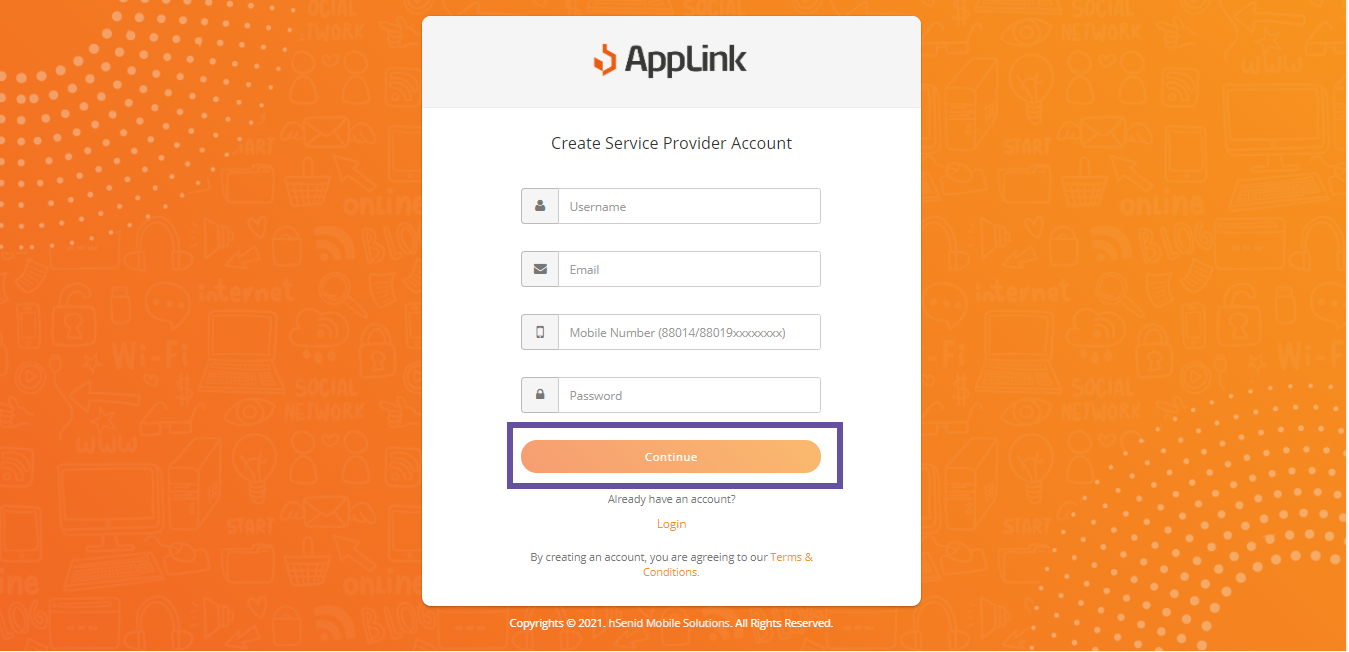
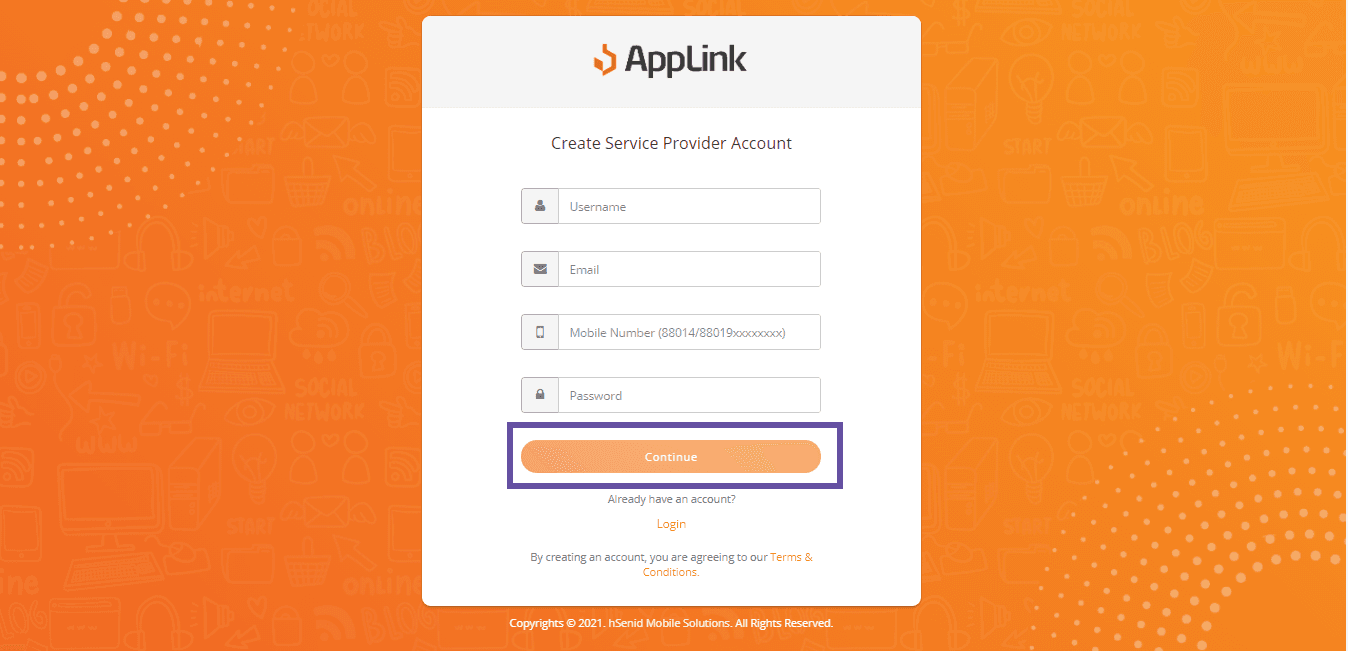
Step 3: Fill in the username, email address, mobile number and password fields, then click Continue.
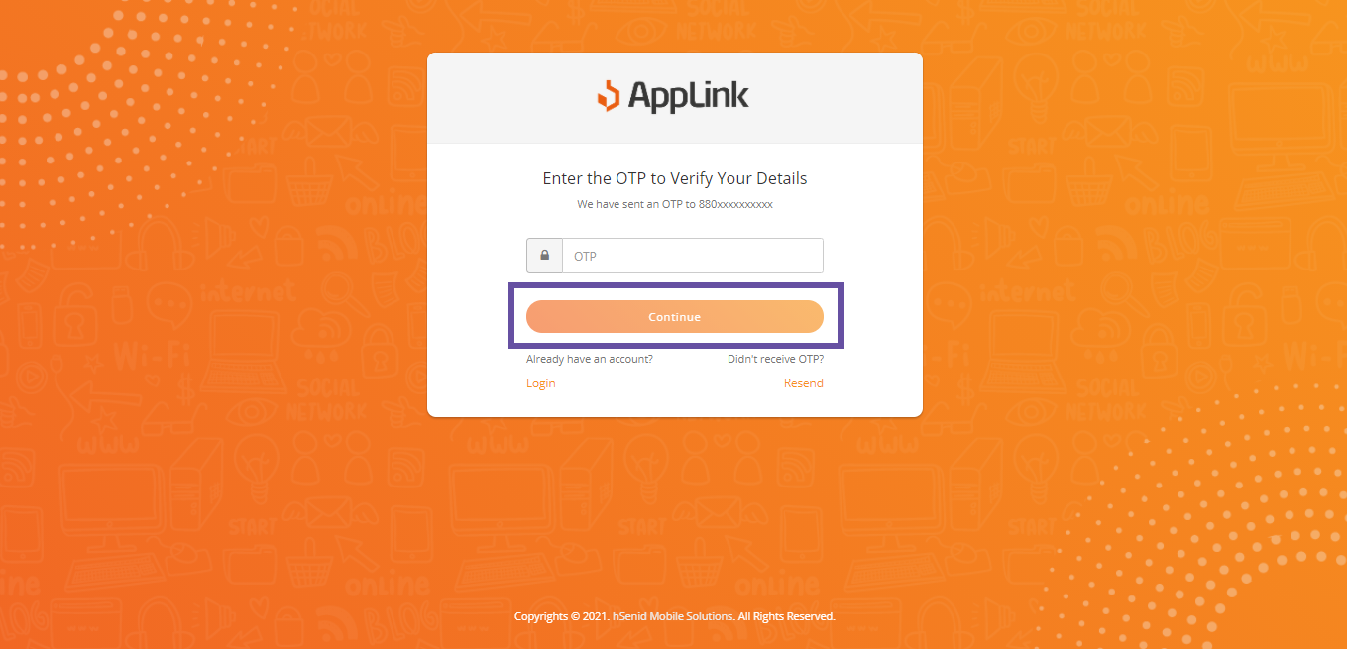
Step 4: Type in the OTP sent to your mobile number and click Continue.
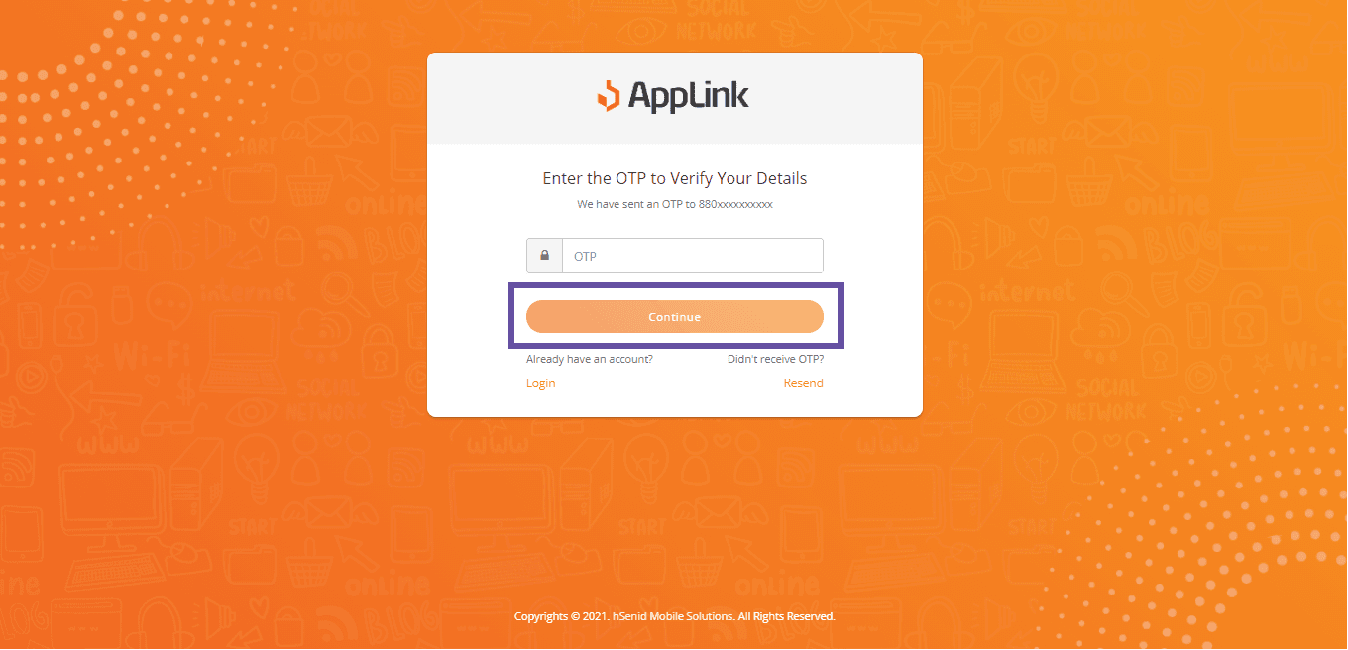
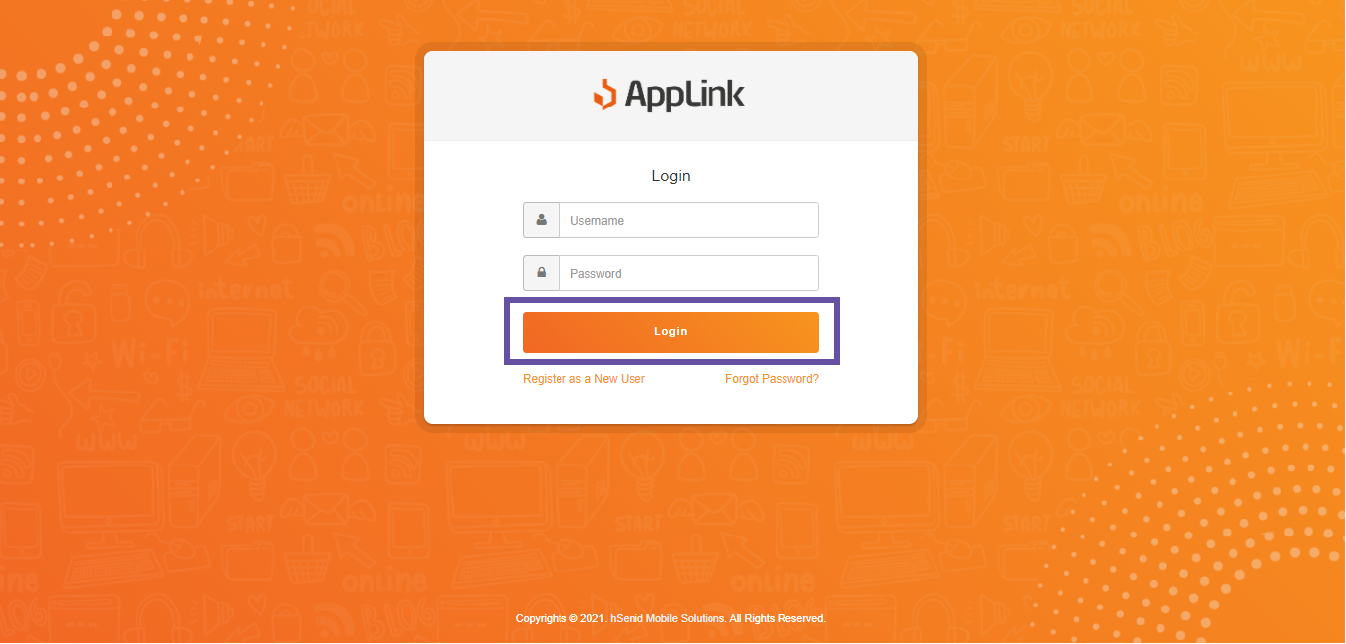
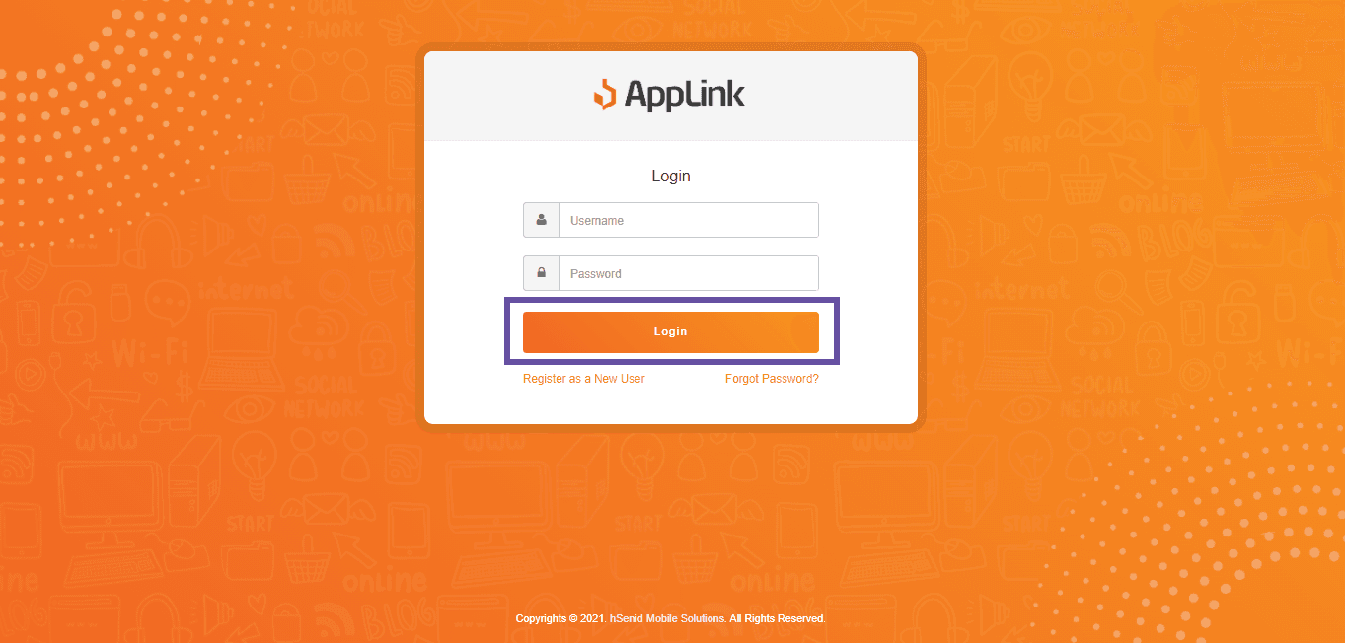
Step 5: Once the OTP is accepted, the login screen appears. Enter your username and password and click Login.
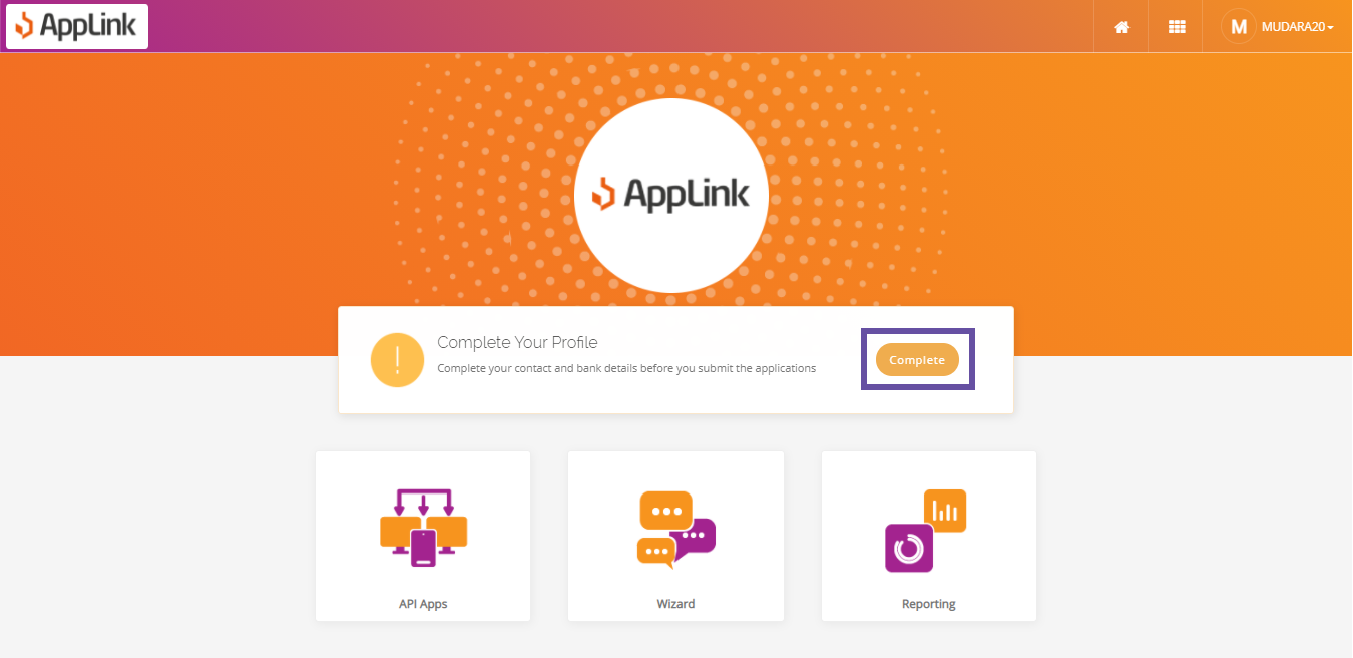
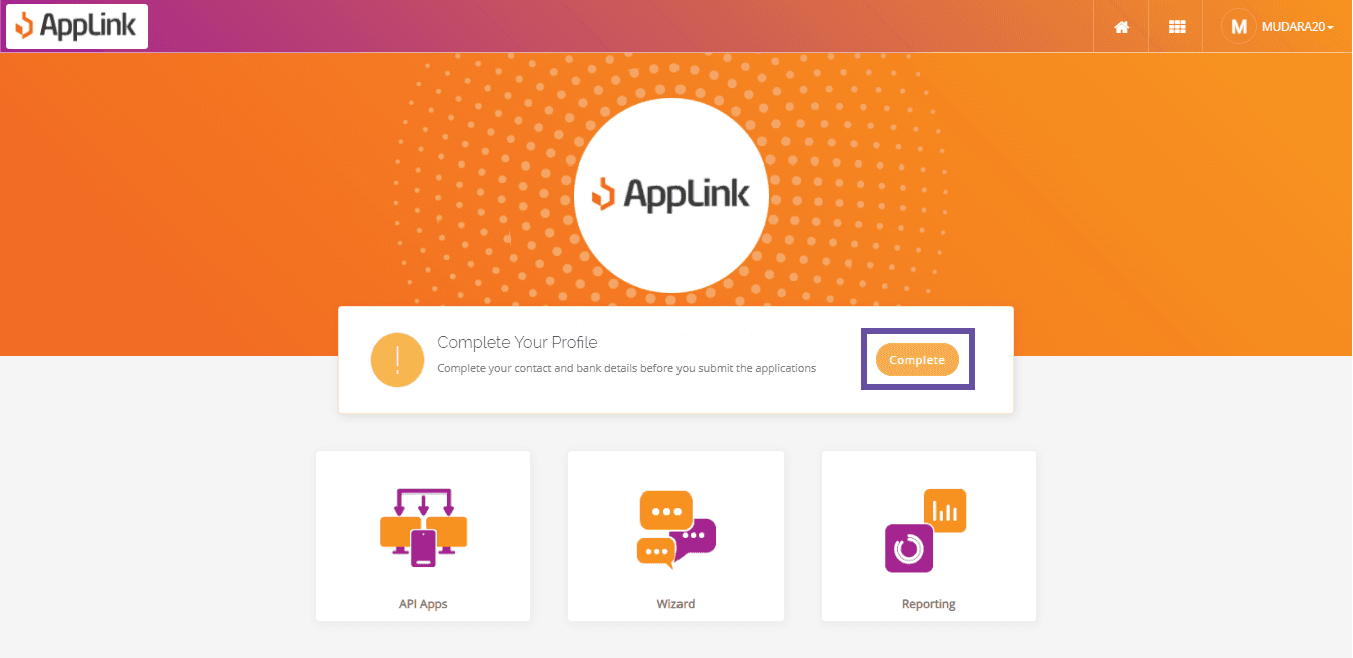
Step 6: After you log in, the Service Provider dashboard opens. Click Complete to fill in your profile details.
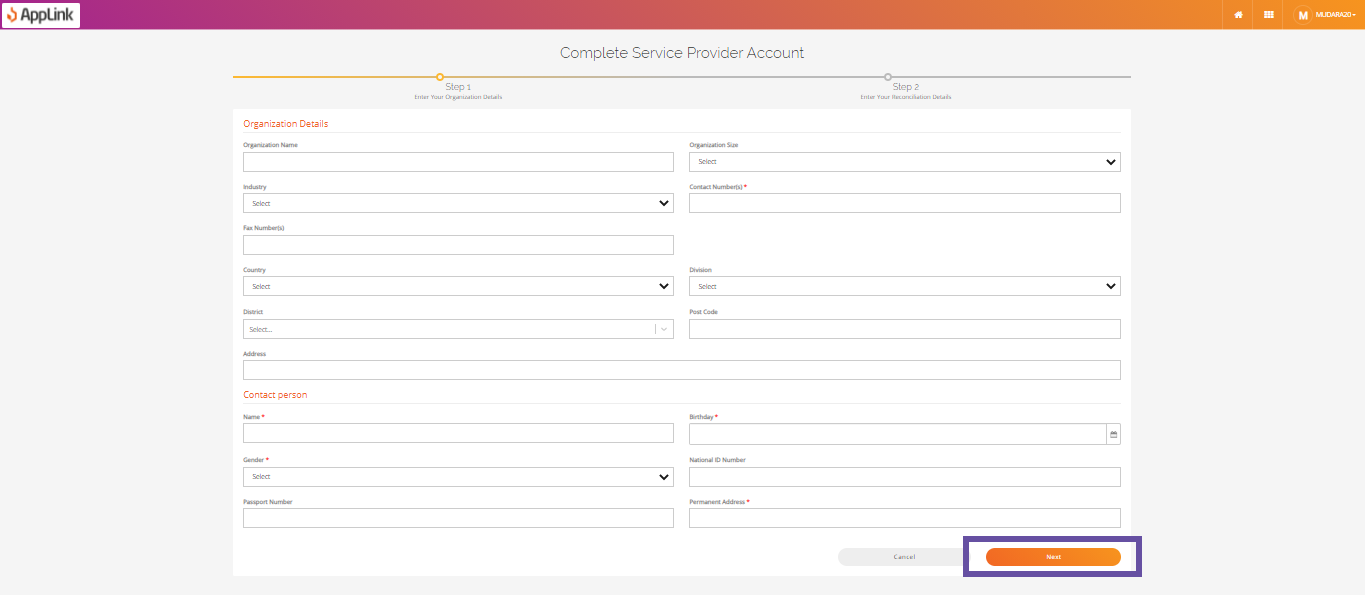
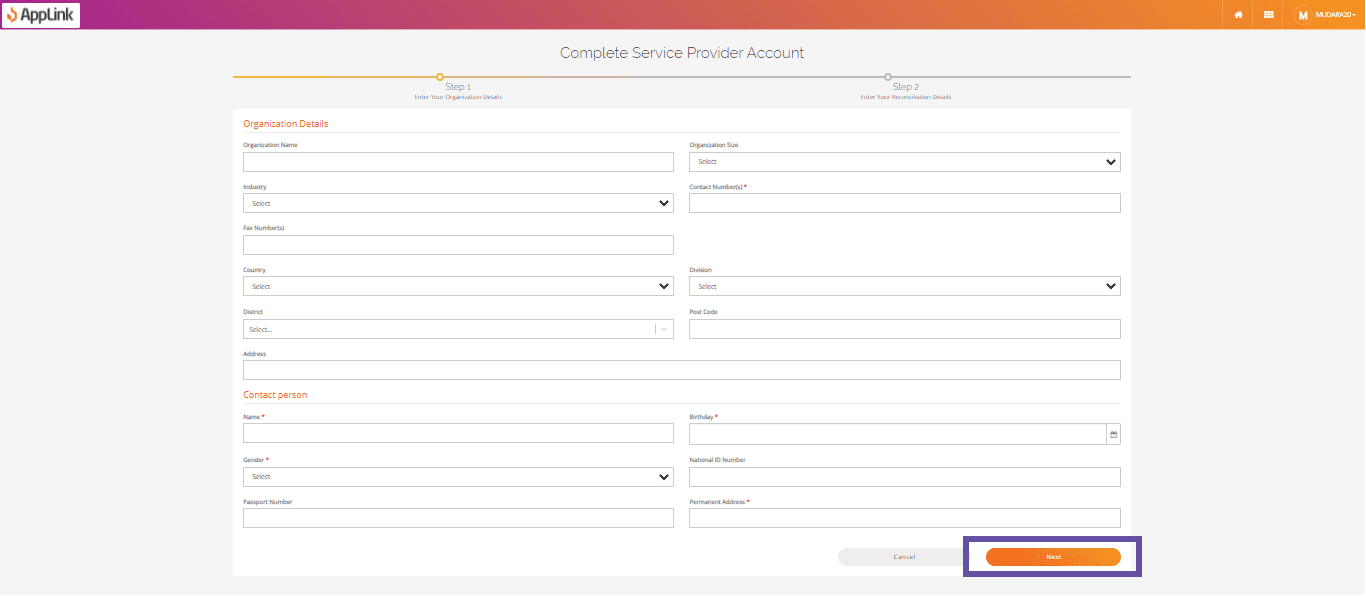
Step 7: Fill in your organisation details and click Next.
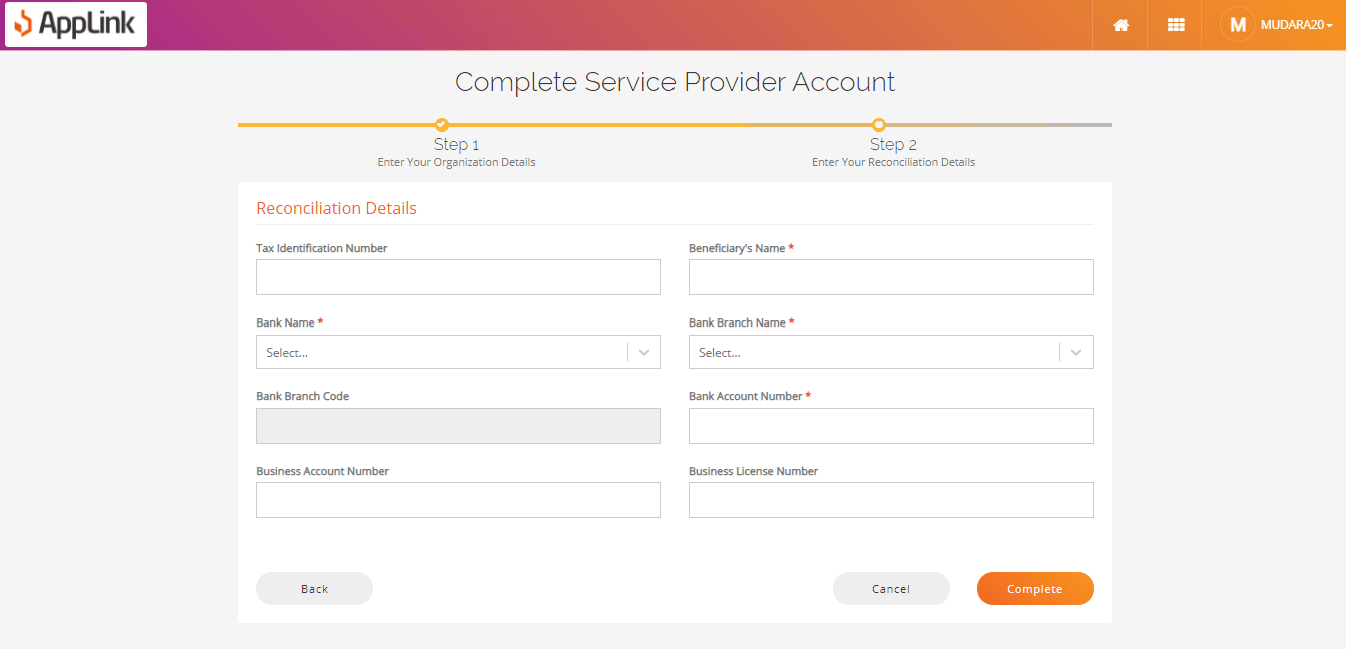
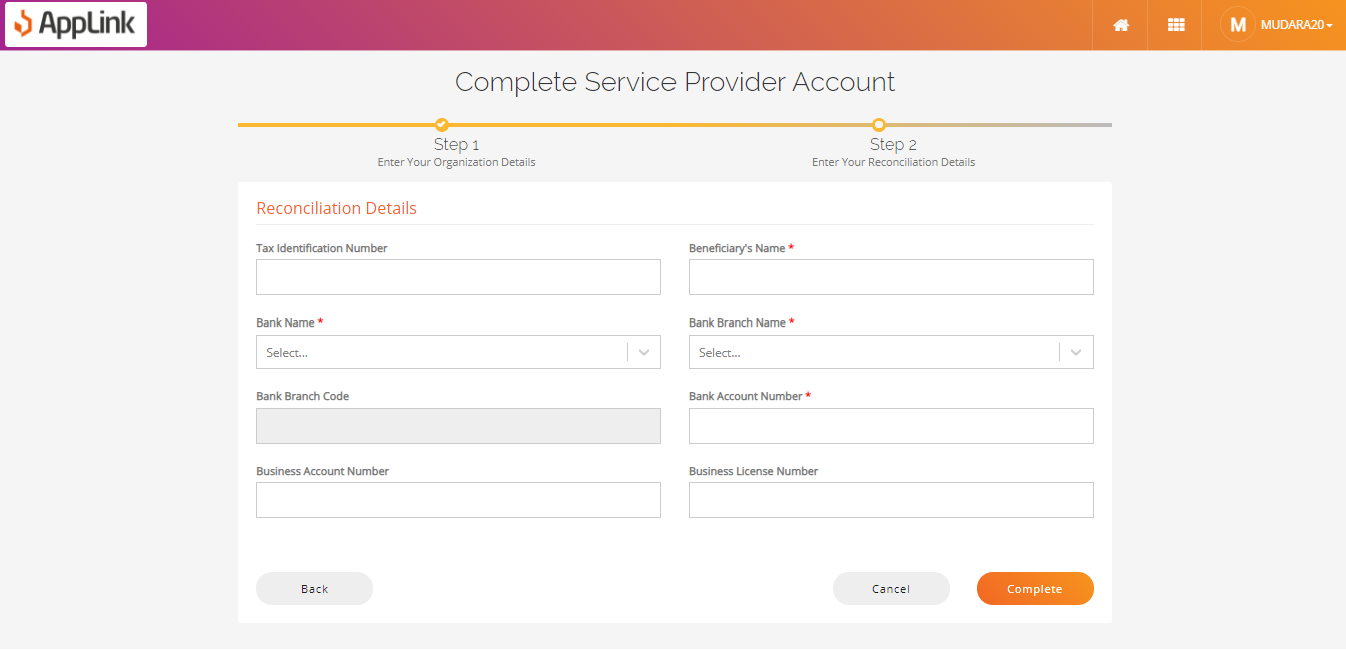
Step 8: Fill in the reconciliation details and click Complete.